Website speed isn’t just about user experience — it’s one of the biggest ranking factors for Google and a key reason visitors stay or leave your site. Studies show that if a site takes longer than 3 seconds to load, 53% of users will leave immediately.
Hi, I’m Fusis Mamun, a WordPress & Elementor Expert with over six years of experience. I’ve optimized hundreds of WordPress websites to load in under 2 seconds, improving SEO, conversions, and customer satisfaction.
In this post, I’ll break down exactly how I do it, step-by-step — plus how you can optimize your own site or hire a professional to do it for you.
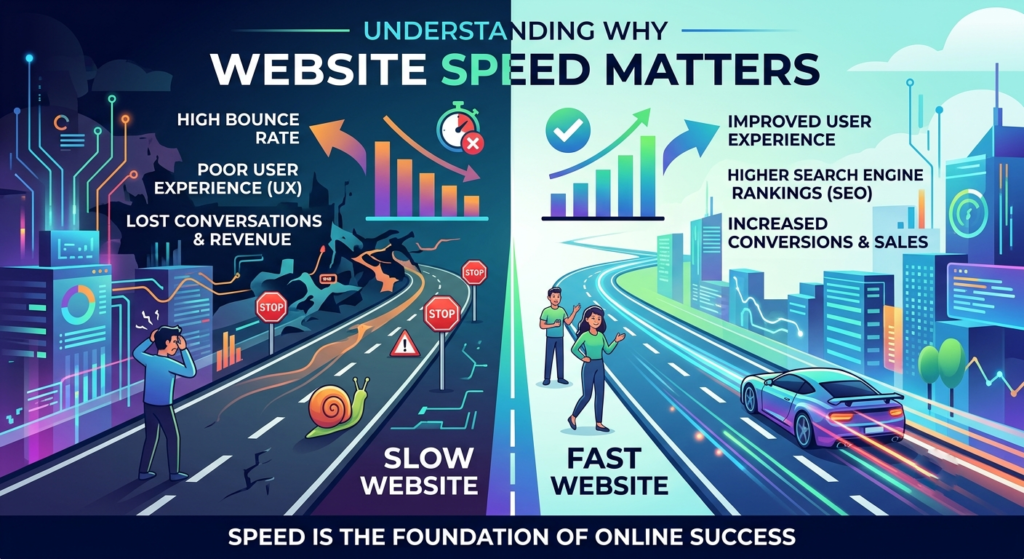
Understanding Why Website Speed Matters
A faster website means: Better Google rankings Lower bounce rates Higher conversion rates Improved user experience
Google measures this through Core Web Vitals — three metrics:
LCP (Largest Contentful Paint): Should load in under 2.5s
FID (First Input Delay): Should be <100ms
CLS (Cumulative Layout Shift): Should be <0.1
If your scores are in the red, it’s time to act.
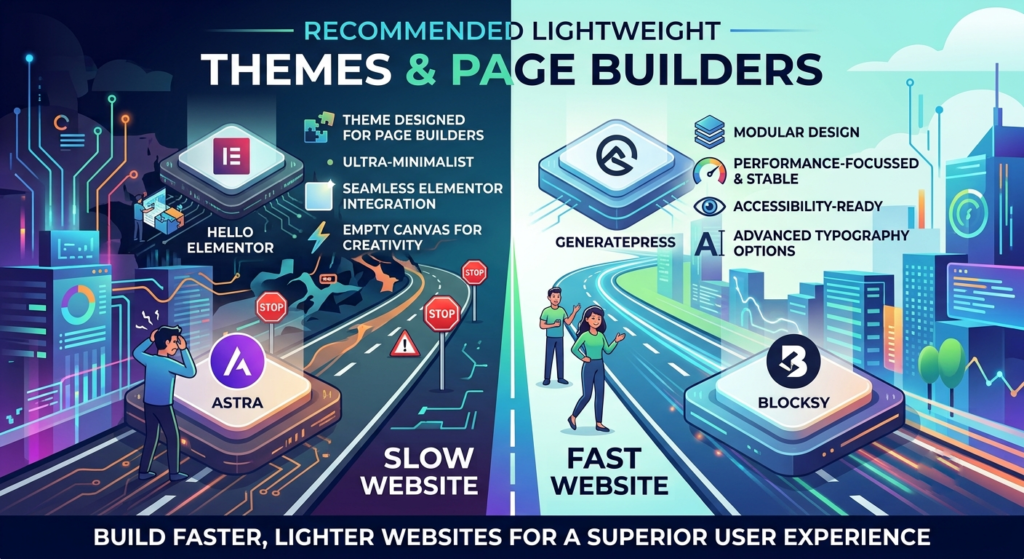
Use Lightweight Themes & Page Builders
Heavy themes are the #1 reason for poor performance. Avoid “all-in-one” templates that load too many assets.
Recommended Themes:
Hello Elementor – minimal, perfect for custom designs
Astra – optimized and feature-rich
GeneratePress – clean and super lightweight
Blocksy – fast with modern layouts
Pair these with Elementor, and keep your design simple — clean structure, few animations, and limited widgets.
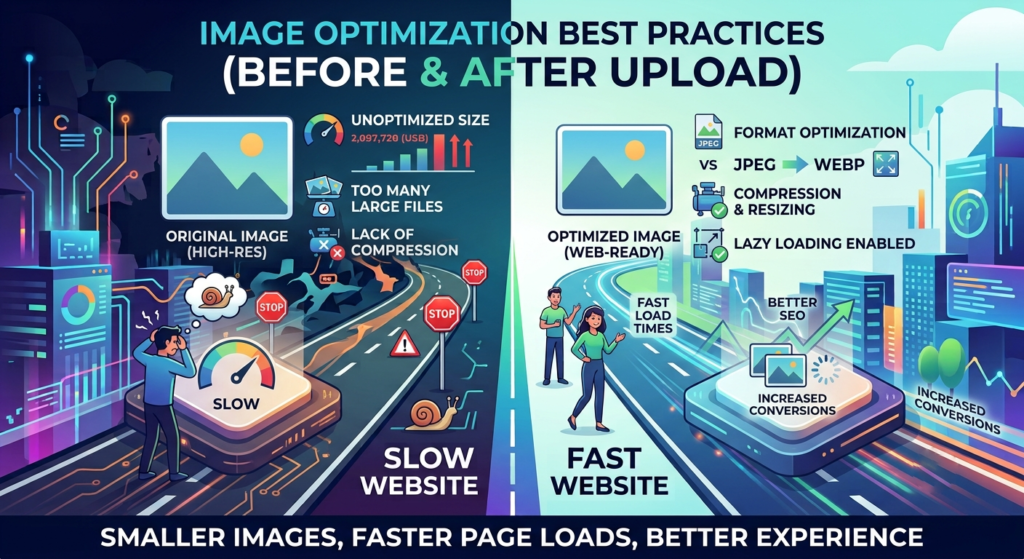
Optimise Images (Before and After Upload)
Large images are a silent speed killer.
Before Upload:
Resize to 1200px max width
Export as WebP format
Compress using TinyPNG or ShortPixel
After Upload:
Install Imagify or EWWW Image Optimizer
Enable “lazy load” for images below the fold
Use srcset for responsive images
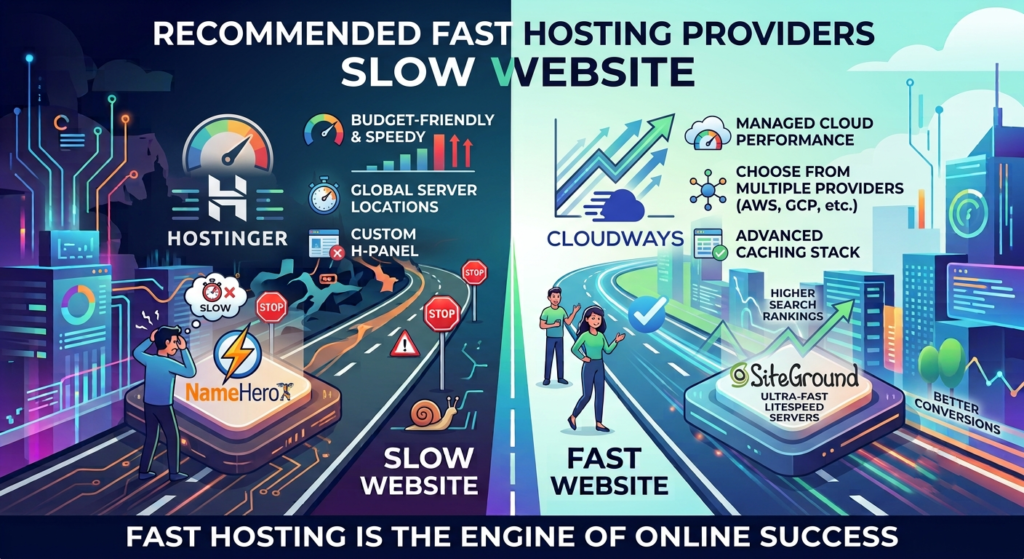
Choose a Fast Hosting Provider
Even perfect optimization can’t fix slow hosting.
Look for:
SSD/NVMe storage
PHP 8+ support
Free CDN and SSL
Built-in caching
99.9% uptime
Top hosts for speed:
Hostinger
Cloudways
SiteGround
NameHero
Minimize Plugins and Scripts
Even perfect optimization can’t fix slow hosting.
Look for:
SSD/NVMe storage
PHP 8+ support
Free CDN and SSL
Built-in caching
99.9% uptime
Top hosts for speed:
Hostinger
Cloudways
SiteGround
NameHero
Enable a Content Delivery Network (CDN)
A CDN stores your website’s static files (images, CSS, JS) across multiple global servers. This helps users around the world load your site faster.
Top Free CDNs:
Cloudflare
BunnyCDN (paid but cheap)
Jetpack CDN
Set up Cloudflare and enable:
Brotli compression
HTTP/3
Auto Minify
Database Optimization
Over time, your WordPress database fills with unnecessary data like revisions and transients.
Fix:
Use WP-Optimize or Advanced Database Cleaner
Remove post revisions and spam comments
Schedule weekly cleanups
This simple task can improve speed by 10–15% instantly.
Want Me to Optimize Your Website?
Speed is the difference between a visitor and a customer. Don’t let your site slow down your business.
If you want your WordPress website to perform like a rocket, I can help you do it professionally and quickly.